Event Gift Planning Guide
Custom Desk & Office for Software: Event Gift Planning Guide
Plan desk & office for software programs using a practical budget, quantity, artwork, timeline, delivery, and RFQ checklist.
What UNBOUND 2026 in Boston changes about the brief
HubSpot lists UNBOUND 2026 for September 16-18 in Boston and describes it as an event for modern go-to-market leaders, with sessions and structured networking.
A desk gift for that audience should support work after the event, travel easily, and remain useful in offices, shared workspaces, or remote settings. The brief should connect the item to a practical follow-up moment.
Use the published 2026-09-16 date as a planning anchor, then set an earlier in-hands date based on receiving rules and distribution. The brief should name the audience, estimated quantity, budget, destination ZIP, logo format, and who will physically hand out or ship the item.
Connect the desk gift to a post-event action
A go-to-market event produces meetings, follow-up notes, account plans, and new introductions. Choose a desk item that supports one of those actions, such as phone viewing during a call, organizing notes, improving workstation comfort, or keeping a useful reference close. The item should make sense when the recipient returns to work, not only while the event is visible on a calendar.
Define the follow-up moment before choosing the product. A sales team may hand an item to scheduled customers, mail it after a qualified meeting, or include it in a speaker or partner kit. Each path changes quantity, packaging, delivery timing, and the amount of personalization that is practical. It also creates a clearer way to measure whether the program reached the intended accounts.
Design for hybrid desks and individual shipping
Modern revenue teams work across offices, home workspaces, customer sites, and travel. A compact item with an obvious function is easier to mail and more likely to remain useful than a bulky object that assumes a permanent desk. Review packed thickness, rigid edges, magnets, batteries, fragile parts, and the mailer needed to prevent damage before comparing unit prices.
If the program includes individual addresses, separate product cost from data handling, pick-and-pack labor, packaging, postage, and failed-delivery management. Confirm who supplies addresses, how long they are retained, and how exceptions are handled. A smaller recipient list with a purposeful message can be more effective than sending an undifferentiated item to every registrant.
Use packaging and message hierarchy deliberately
For a desk product, the logo should not cover writing space, controls, grips, or the surface that performs the product's job. Review the actual orientation in a virtual proof and check how the mark appears when the item is in use. Neutral product colors and restrained branding can improve continued use across a broad professional audience.
A short insert can carry the event follow-up, meeting reference, or next step without forcing that message onto the product itself. Plan the insert size, packaging order, and account-specific variations before production. This keeps the product reusable while allowing the surrounding presentation to feel connected to the recipient and the conversation that prompted it.
Build a desk & office schedule backward from delivery
The remaining calendar supports a staged review, but artwork and destination details should still be confirmed early. The schedule for this software program should reserve time for availability review, artwork cleanup, a product-specific proof, approval, production, quality checks, freight, and a delivery buffer.
The working decoration paths may include decoration options appropriate to the selected item, but the final method must be confirmed against the selected item's construction and imprint area. Send vector artwork when available, identify required brand colors, and approve placement, scale, orientation, and color treatment before production.
The event date is not the delivery date. Confirm whether cartons go to an office, hotel, fulfillment partner, or venue; record receiving hours, labels, dock or appointment rules, and the person responsible for accepting them.
Compare current desk & office examples
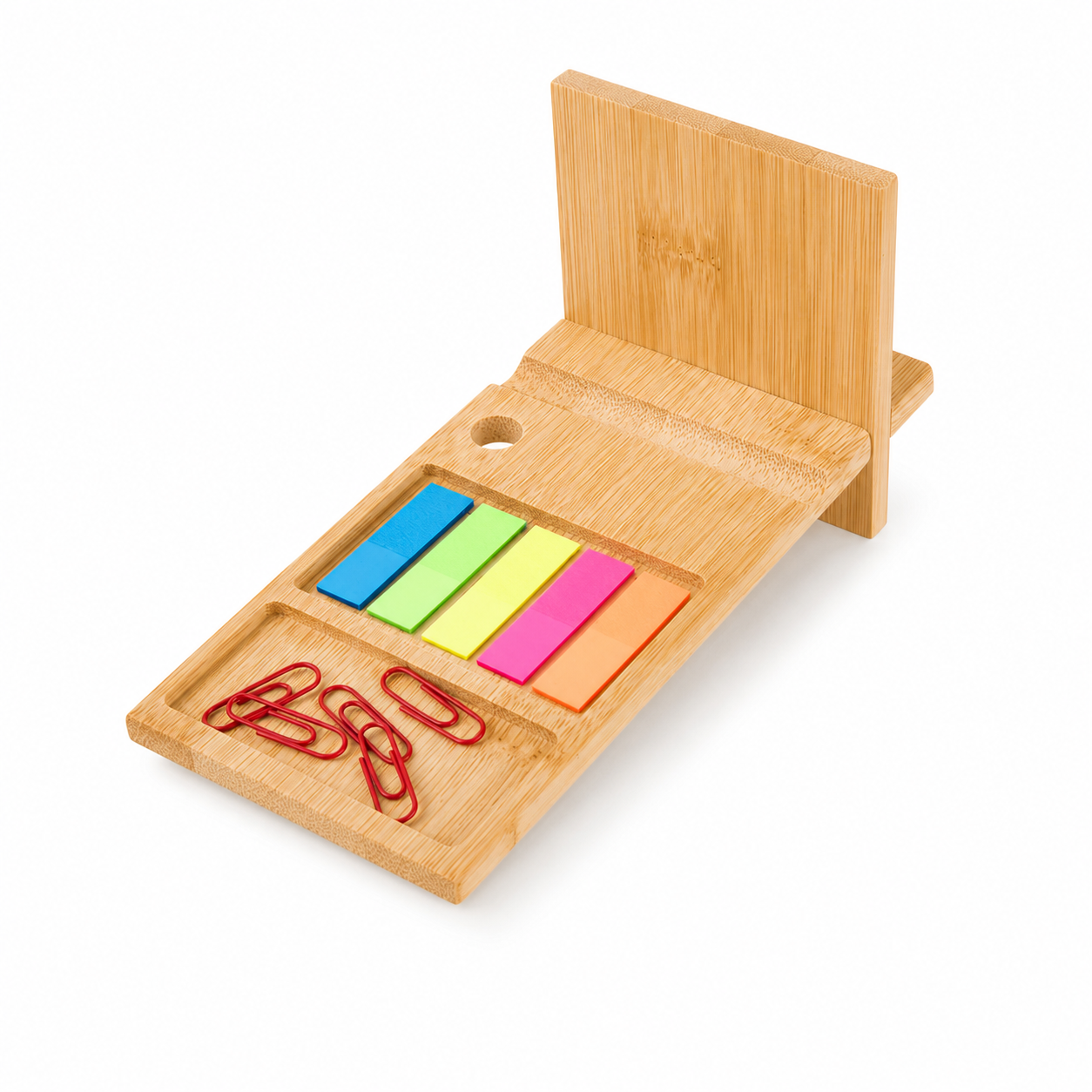
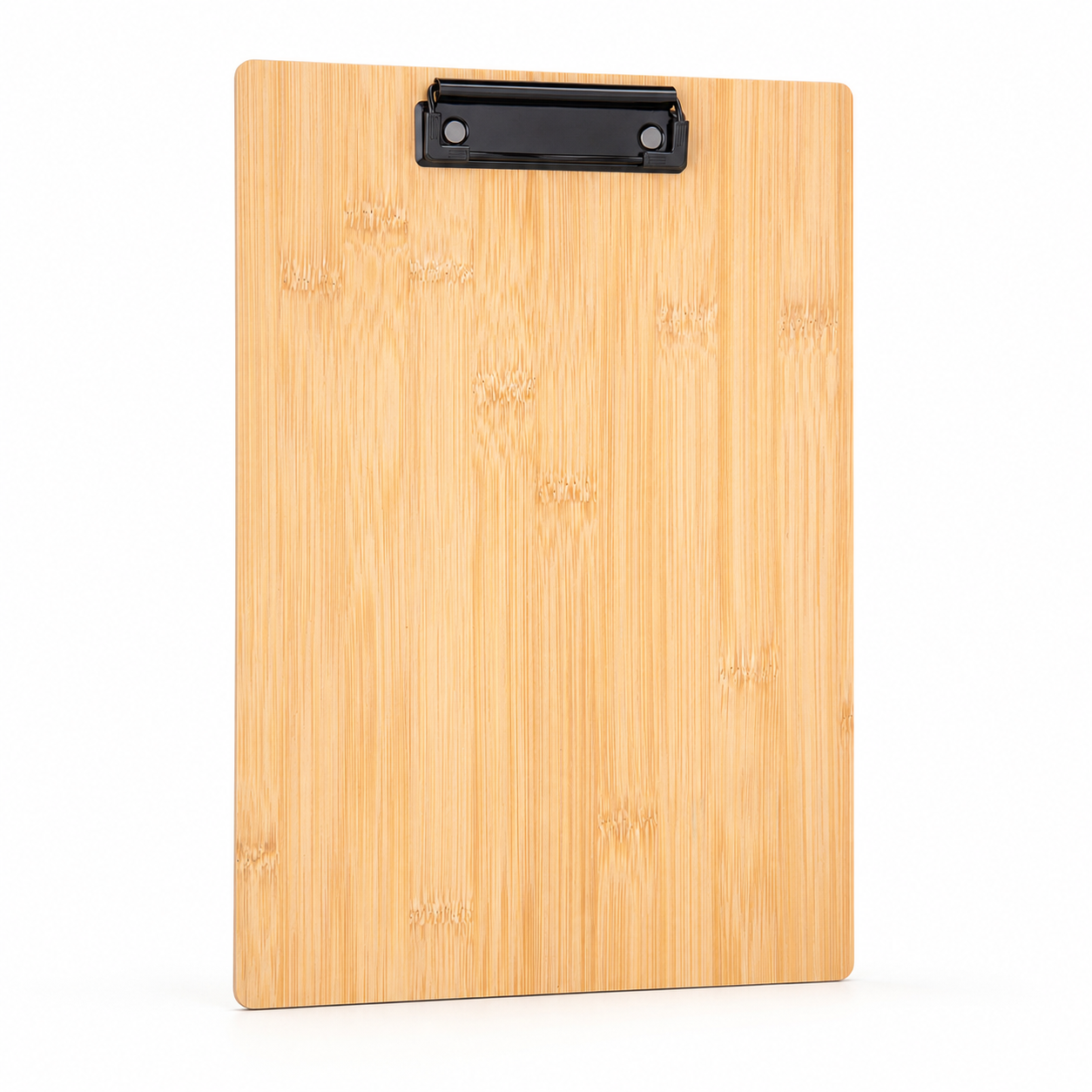
The current Exposilo catalog includes these desk & office examples: Ergonomic Wrist Rest (SKU 8200030, MOQ 100, indicative $3.75 - $6.56); Phone Holder With Sticky Flags (SKU 8200010, MOQ 100, indicative $5.50 - $9.63); Bamboo Clipboard (SKU 8200020, MOQ 50, indicative $7.25 - $12.68). These are comparison points, not inventory promises.
Compare the examples against the job the item must perform, the recipient tier, packing method, and delivery plan. Final recommendations may include alternatives after the full brief is reviewed; availability, final pricing, decoration, and delivery are confirmed only in the quote process.
Send a quote-ready desk & office brief
Send the audience and use case, quantity, target per-item range and total program ceiling, in-hands date, destination ZIP, preferred desk & office characteristics, logo file, brand colors, packaging needs, and any split-shipment requirement. If a detail is unknown, mark it as open instead of guessing.
A public SKU is optional. Exposilo can start from the operating brief, recommend a short list, and prepare a reviewed quote that shows assumptions instead of turning unconfirmed availability, price, or delivery into a promise.
Planning reference: official event source. Event details can change; verify them with the organizer.
Request a reviewed gift quote